Key takeaways
- GSPro is a familiar simulator platform for many US golfers.
- Native integration means your GOLFJOY launch monitor connects to GSPro without a separate adapter.
- GOLFJOY software, GSPro, E6 and Creative Golf 3D give you more than one way to play. Third-party licenses are sold separately by their publishers.
Software Is Part of the Purchase
Launch monitor buyers often ask about software before they ask about enclosure fabric or projector specs. A sensor is easier to commit to when it works with the simulator platform you already know.
That is why GSPro integration matters. Compatibility becomes something you can count on from day one, not a workaround you set up yourself.
What Native Integration Changes
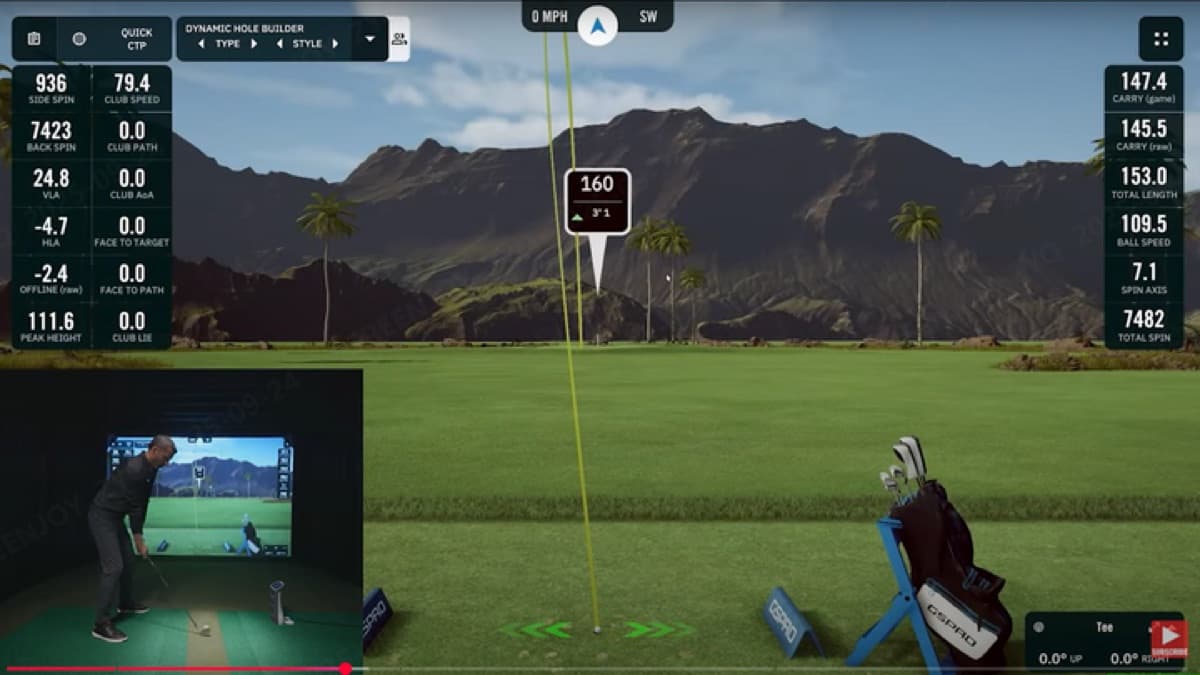
GOLFJOY and GSPro announced native integration so GOLFJOY launch monitors work inside GSPro without a special adapter. For you, that means simpler setup, fewer moving parts and less guesswork.
It does not replace GOLFJOY software. It gives you another route, so you can choose the platform that fits your habits.
Where GSPro Fits in Your Setup
- Already play GSPro? Your GOLFJOY launch monitor connects natively, with no separate adapter to configure.
- Prefer other platforms? GOLFJOY software, E6 and Creative Golf 3D remain options.
- Building your first bay? Start with GOLFJOY software and add a GSPro license later if you want it.
What It Means for Your Bay
A simulator is a long-term room decision. You want to know you will not be locked into one software path after the hardware arrives.
Native GSPro integration keeps your options open as your game and your setup grow.
Next step
Compare your room, budget and practice goals with the GOLFJOY setups that fit them.