Key takeaways
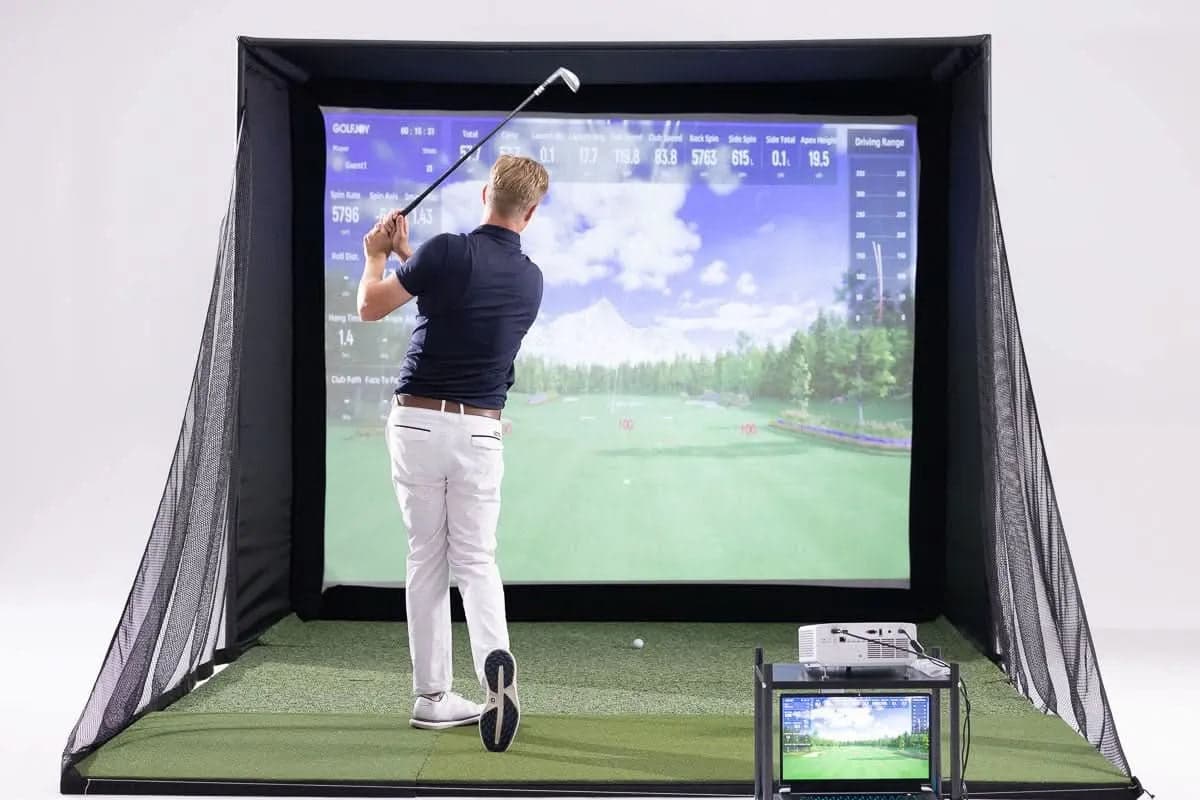
- P8 is built around Spica 3, so your bay is a training tool as much as a place to play.
- The package keeps the screen, mat, projector and enclosure matched from the start.
- Course play pays off when it makes you choose clubs, shape shots and manage risk.
What You Get from a P8 Bay
Most home simulator buyers are not shopping for one component. They want a room for practice after work, rounds with family and honest feedback on their swing. The P8 brings those needs together in one kit.
Three questions matter most before you buy: what data you will see, whether the bay fits your home and whether course play is engaging enough to keep you coming back. This guide covers all three.
The Data Engine
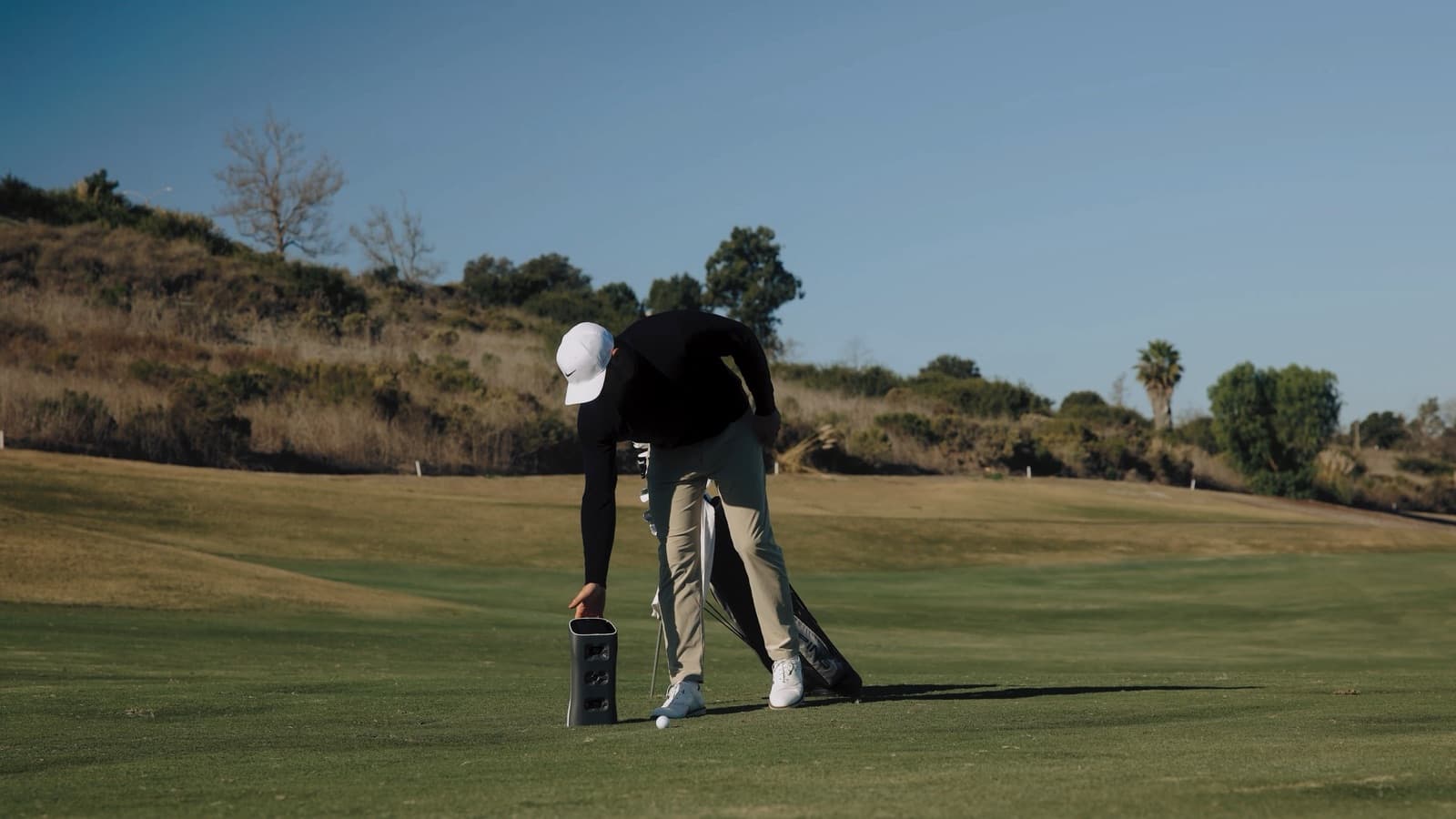
Spica 3 sits at the center of the P8. Its camera system captures 27 data points, including ball speed, launch angle, spin rate, carry distance, club path and attack angle.
You see the cause of a miss right away. A low launch, too much driver spin or a changing club path becomes a number you can work on instead of a feeling you have to interpret.
Why a Matched Package Helps
A home bay usually struggles when the pieces are bought separately. The projector needs the right throw, the screen needs to match the space, the mat needs to hold up and the launch monitor needs enough room to read the shot.
P8 turns that into one complete setup. You still measure your room, but you do not have to become a projector and enclosure expert before you can practice.
Course Play Is Part of Practice
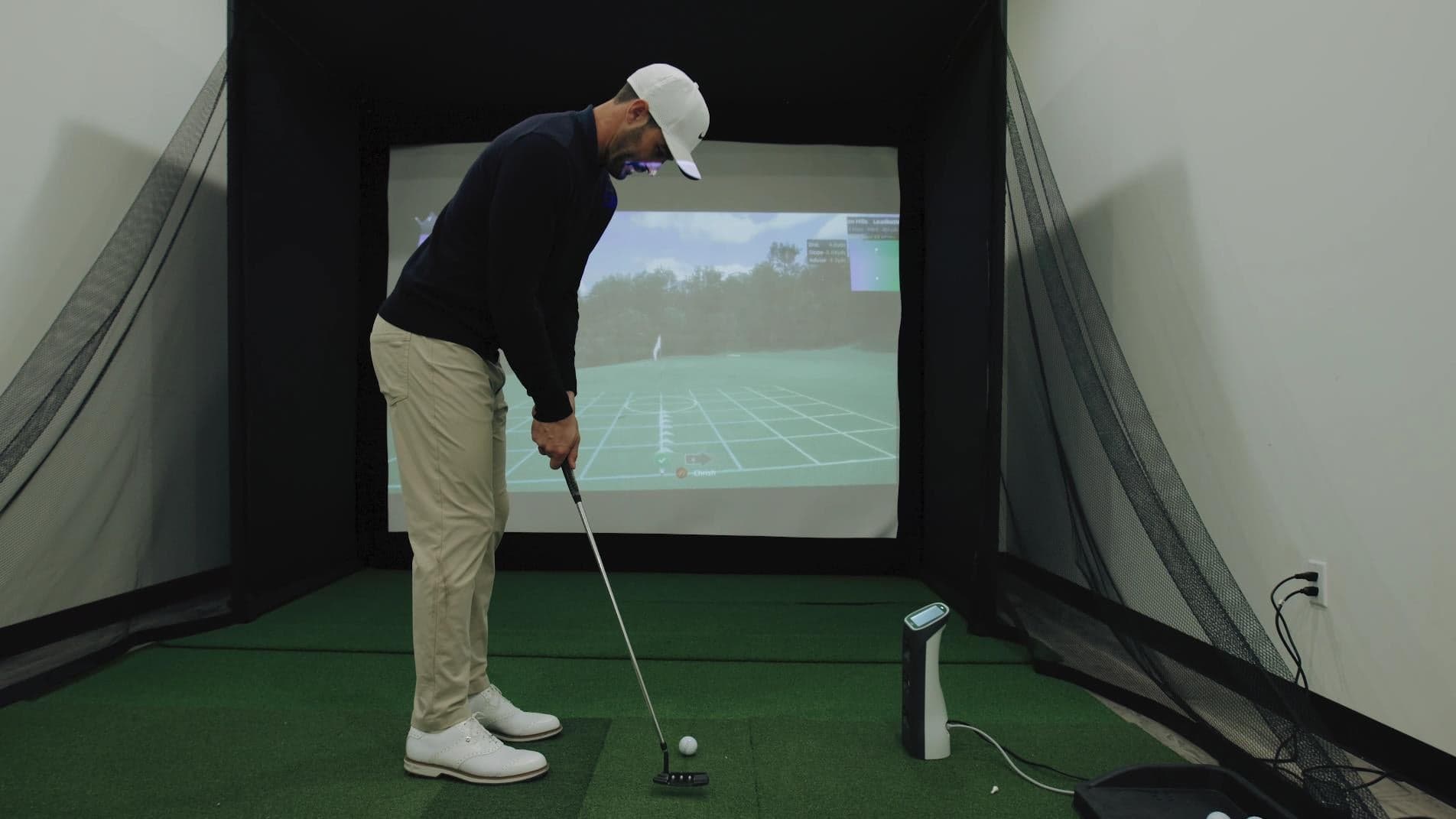
Simulator golf is useful because it asks you to choose a club, pick a target, avoid trouble and live with the result.
When you cannot get to a championship course every week, a realistic virtual round still builds course management habits. That makes the P8 more than an entertainment screen.
Next step
Compare your room, budget and practice goals with the GOLFJOY setups that fit them.