Key takeaways
- Choose Spica 3 when portability and a built-in data screen matter.
- Choose Rigel 2 when the room is fixed and you want a clean overhead install.
- A permanent bay also gains a clear floor and clubhead replay from an overhead unit.
Start with Your Room, Not the Spec Sheet
A launch monitor has to fit the way you practice, not just show the largest number of tracked metrics. Start with your room and your habits.
Before comparing models, confirm your ceiling height, hitting zone, lighting, simulator software and whether the device needs to travel.
Spica 3 for Mixed Use
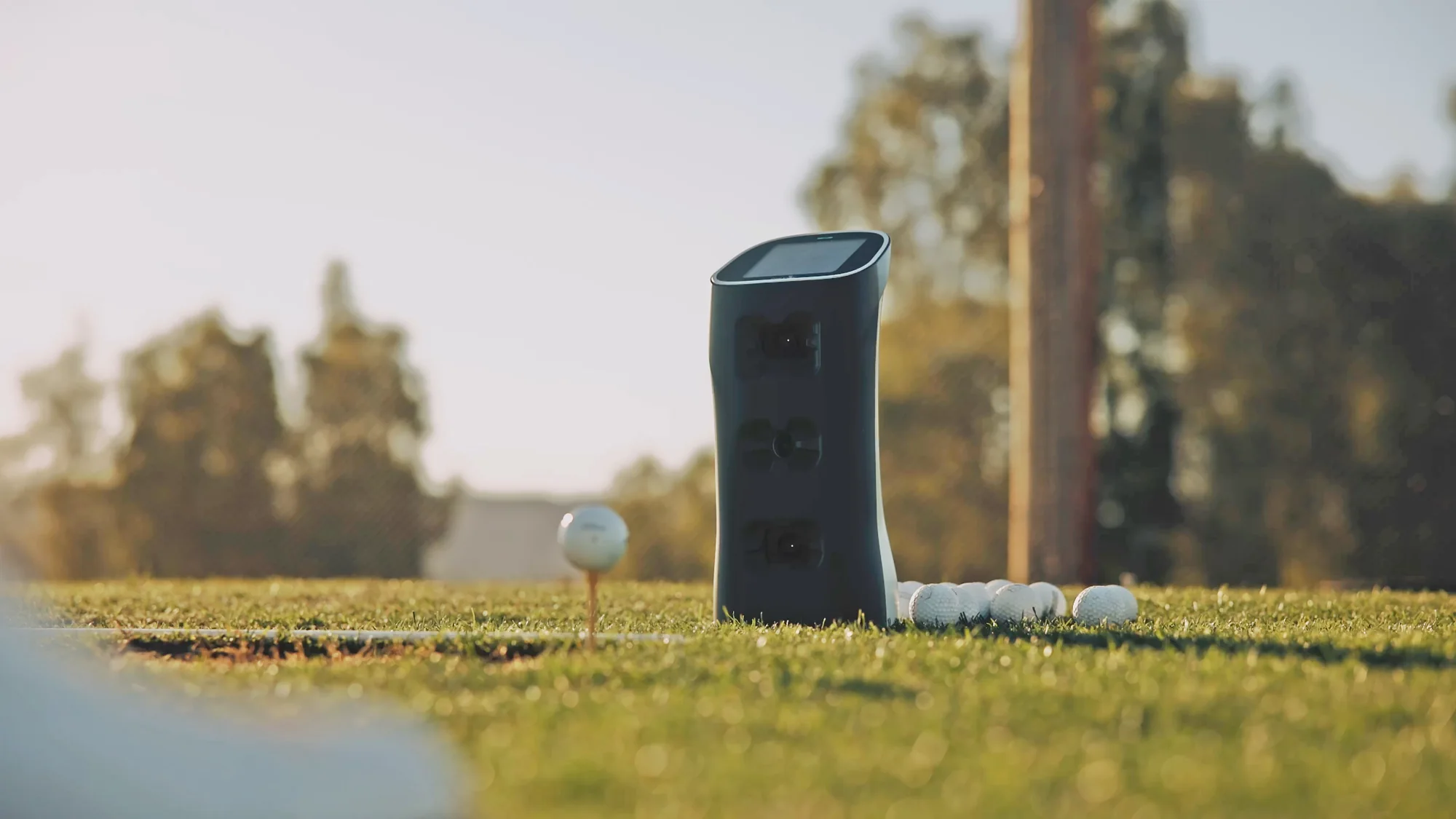
Spica 3 is the portable choice. It works beside the hitting area, moves from home to range and gives you immediate numbers on its own touchscreen.
That makes it a strong fit if you do not have a dedicated bay yet, or if you want the same data system in several practice settings.
Rigel 2 for Fixed Rooms
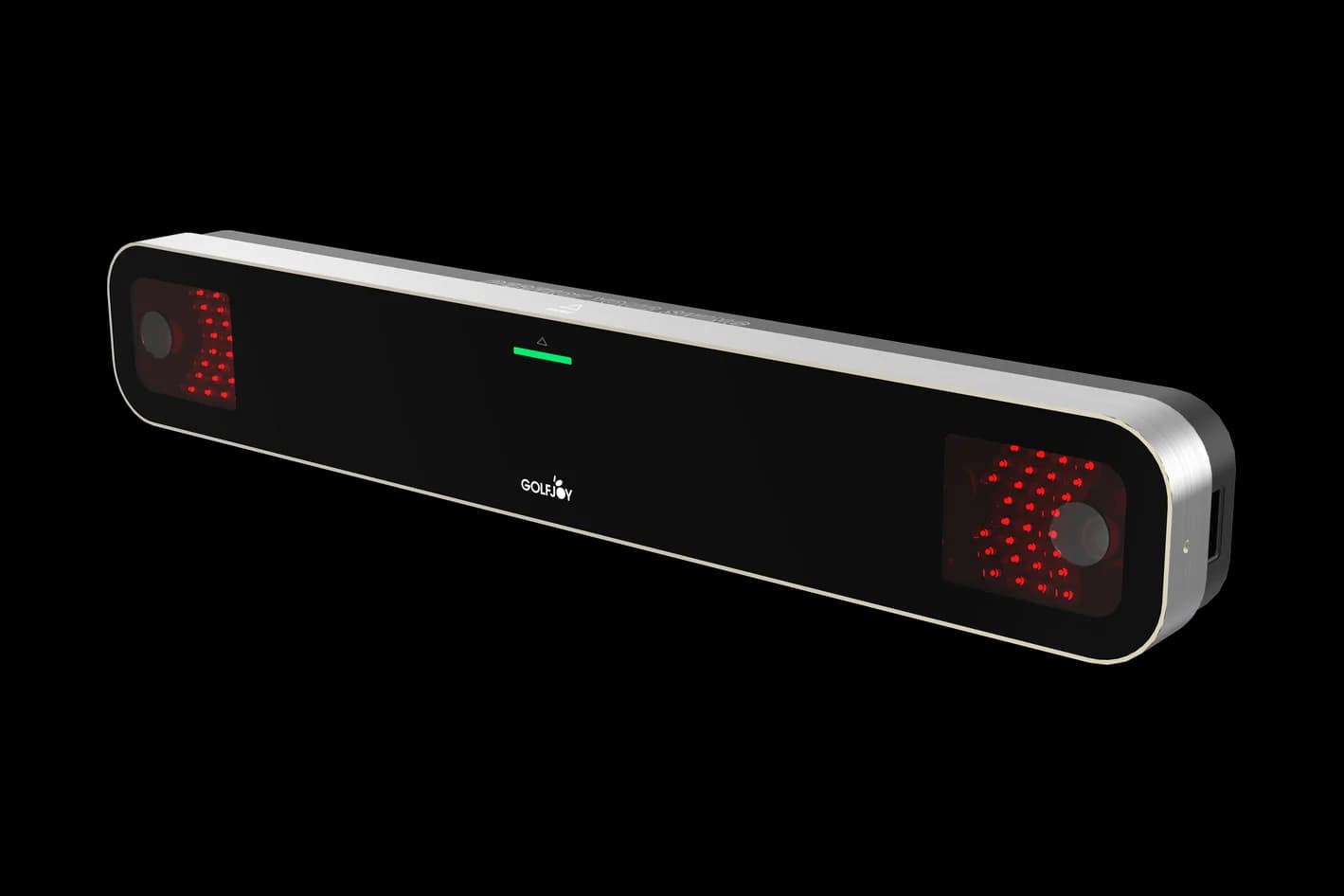
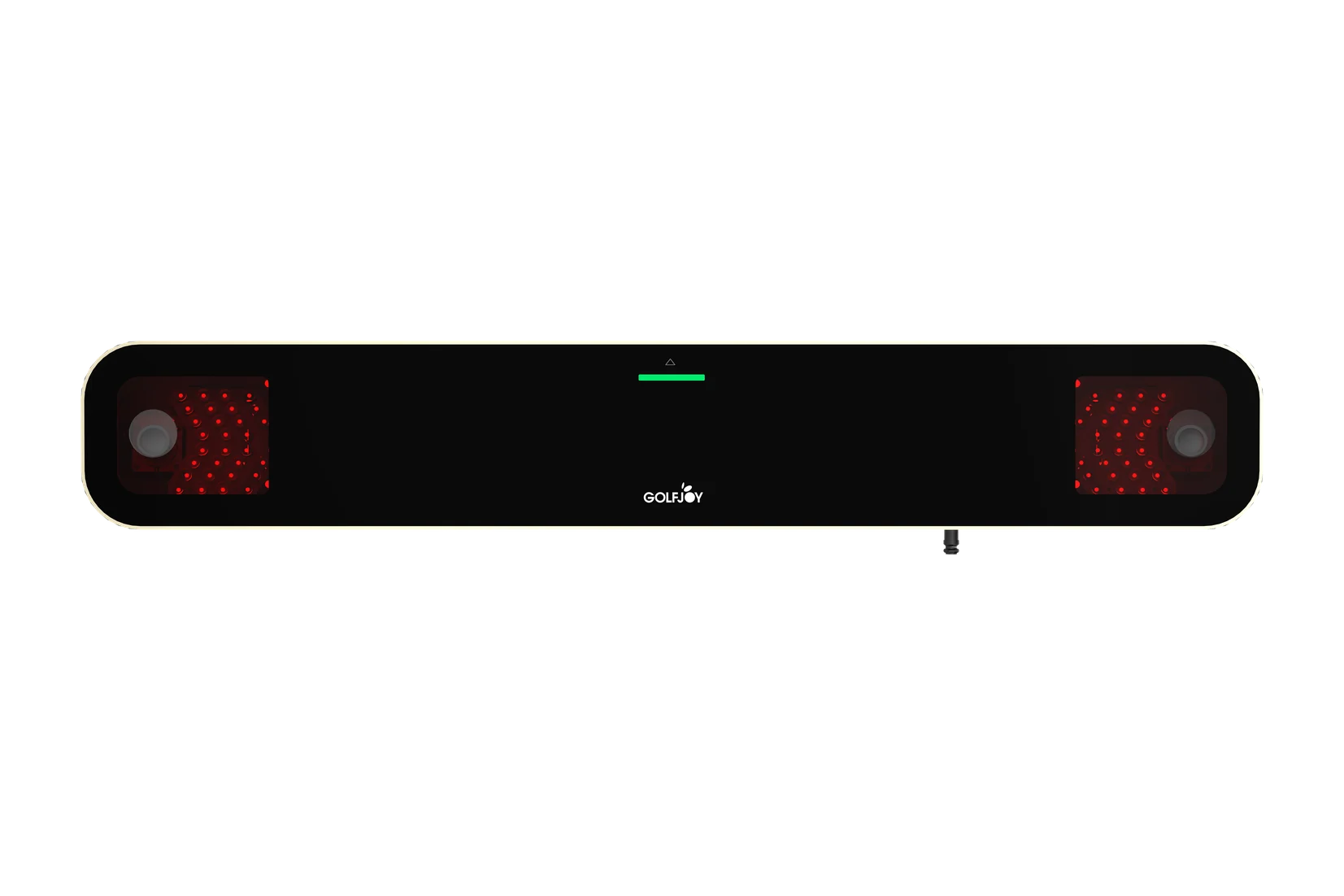
Rigel 2 is the overhead answer for a dedicated indoor bay. No floor unit and no device sitting beside you, and it supports both right-handed and left-handed golfers.
It uses dual high-speed cameras for 18 ball and club metrics, clubhead replay and frame-by-frame impact images, which matters most for coaches, competitive players and busy home studios.
Quick Decision Guide
- Portable practice first: Spica 3.
- Clean permanent bay first: Rigel 2.
- Both rooms in one plan: start with Spica 3, then add a Rigel 2 bay later.
Next step
Compare your room, budget and practice goals with the GOLFJOY setups that fit them.