Key takeaways
- A launch monitor is the measurement engine. A simulator is the immersive practice environment built around it.
- You can start with data-focused practice, then add a screen, projector and enclosure when you want course play.
- Match the purchase to your goals, room and budget rather than buying a full bay before you need one.
The First Question to Answer
Before you compare models, decide whether you need a launch monitor, a simulator or both.
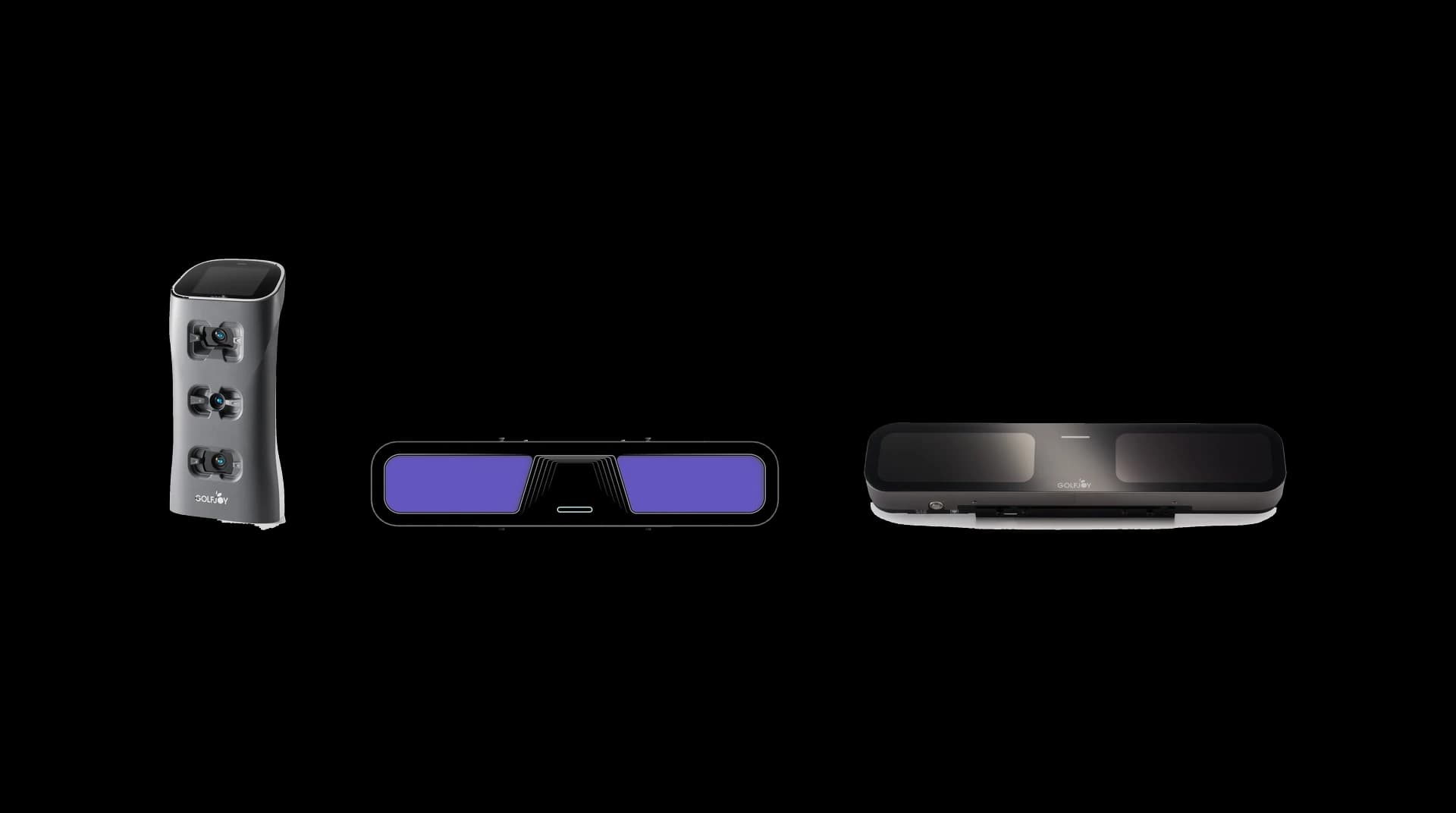
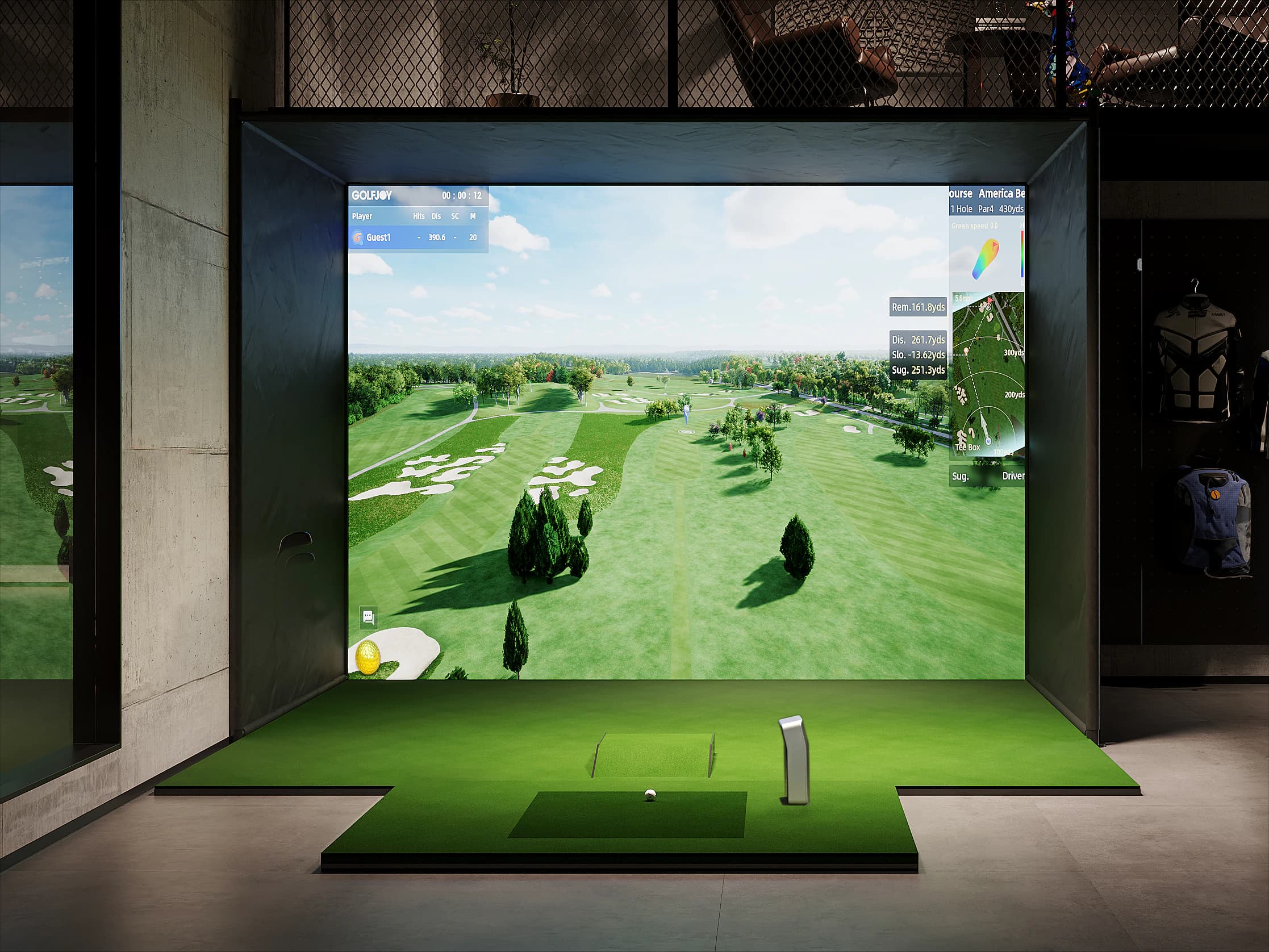
A launch monitor measures your swing and ball flight. A simulator turns each measured shot into range practice, games and full course play. Once that split is clear, choosing from the lineup gets much easier.
Start with Measurement
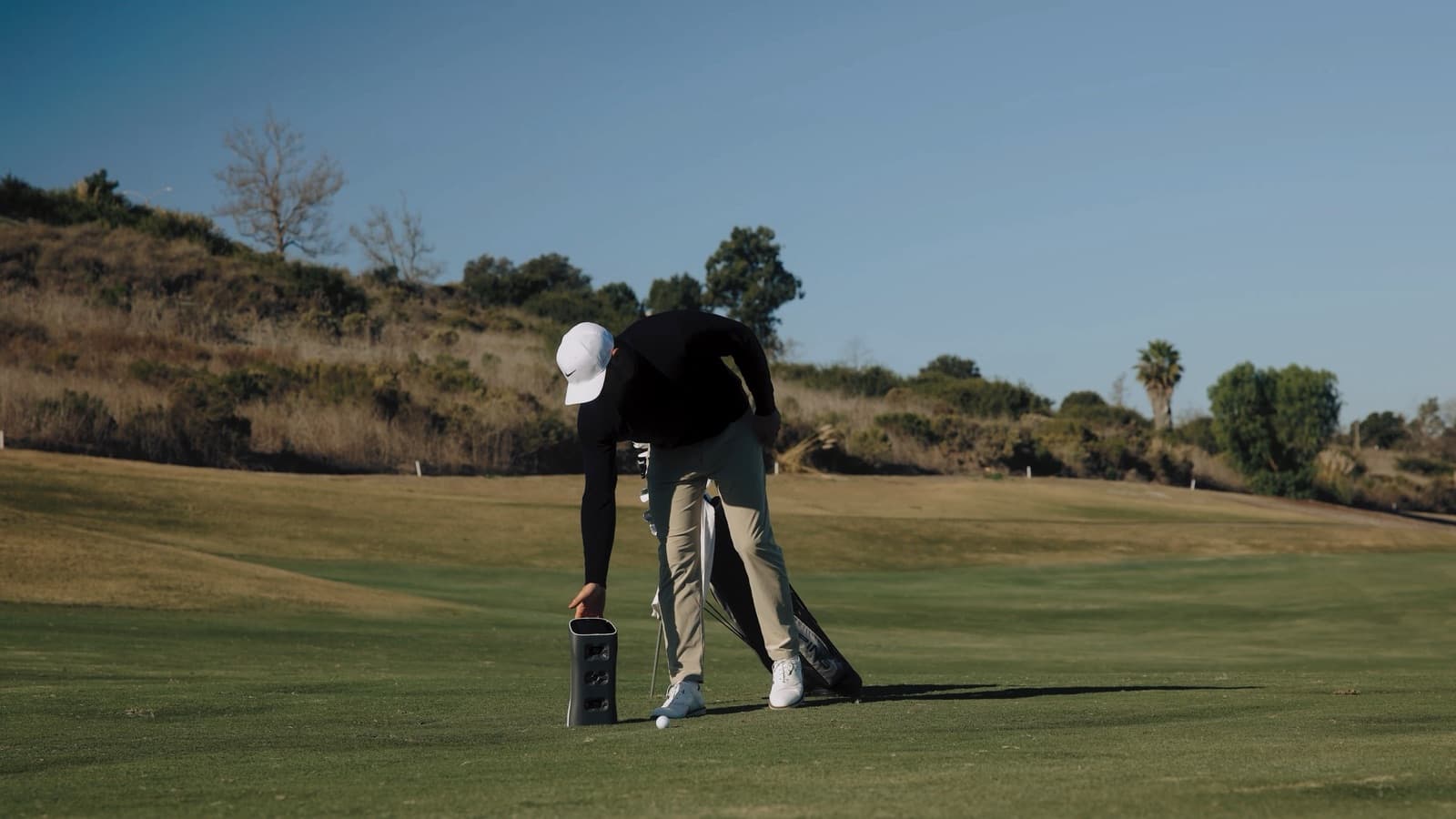
For many golfers, the smartest first purchase is the device that gives feedback every session. Ball speed, launch angle, spin rate, club path and carry distance make range work more specific.
Starting here lets you focus on improvement first and decide on a room build later, once you know how often you practice.
Add the Simulator When Practice Needs Context
- A screen and projector make practice more immersive for families and friends.
- Course play adds club choice, target selection and risk decisions.
- A complete bay keeps the experience consistent through winter, rain and dark evenings.
A Growth Path Instead of a Dead End
You do not have to buy the largest package today. With GOLFJOY you can start with a launch monitor, learn your numbers, then grow into a complete simulator when your space and budget are ready.
That way your first purchase fits where you are now and stays useful as your setup grows.
Next step
Compare your room, budget and practice goals with the GOLFJOY setups that fit them.