New York Black Golf Course
⛳ USPROFESSIONALDIAMOND
Courses · Training · Games · Online Play
Play courses, practice with detailed shot data, compete online and enjoy interactive game modes through one connected GOLFJOY platform. Choose the plan that fits your simulator, from Professional with 30 courses at 2K to Diamond with the full course library in 4K. Built with Unreal Engine technology for immersive real-time 3D environments.
Both plans run GOLFJOY Software on a Windows PC with a compatible GOLFJOY launch monitor. Diamond adds the full course library, 4K resolution, more practice modes, more games and online tournaments.
| Plan feature | Professional | Diamond |
|---|---|---|
| Price | $249/yr | $799/yr |
| Courses | 30 courses | Full course library (160 courses) |
| Resolution | 2K | 4K |
| Practice modes | Driving range and chipping | Driving range, chipping, chip and putt, and putting |
| Games | Box Crush, Mushroom Bumping and Putt-Putt | Island Hop, Box Crush, Mushroom Bumping, Target Practice, Putt-Putt and Long Drive |
| Online matches | Yes | Yes, plus tournaments |
| Multiplayer | Yes | Yes |
Launch monitors and simulator packages include different starter periods, so check your product page for the plan included with your purchase. Current annual plan prices are listed in the shop.
COURSES
Choose from 30 courses with Professional or unlock the full course library with Diamond. Real courses are captured in detail by GOLFJOY's course mapping team, so you can play renowned layouts from the comfort of your home.


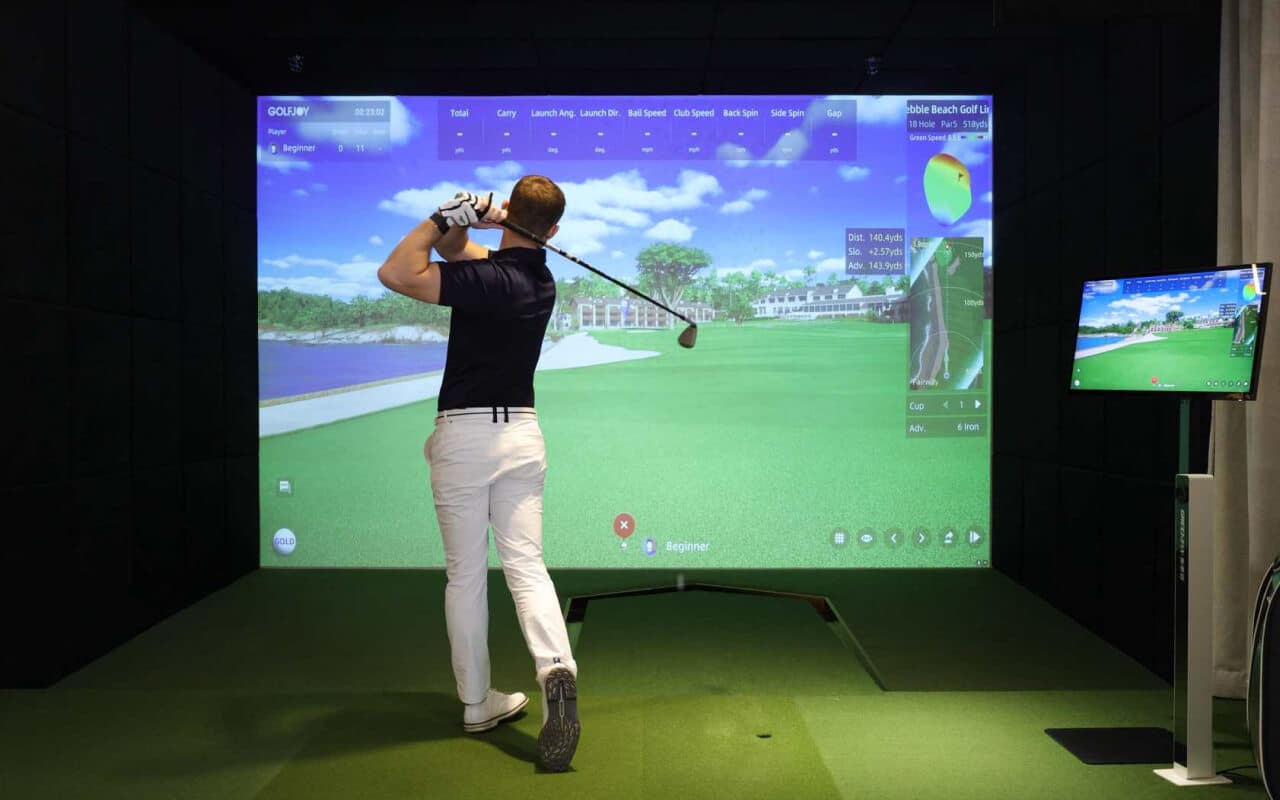
GOLFJOY software models ball flight and environmental interaction throughout the course, so shots react to trees, water, terrain and other course features for a more immersive simulator experience.
Choose a morning, afternoon or evening tee time, then adjust weather and wind speed to create different playing conditions and challenges.
Compare Software Plans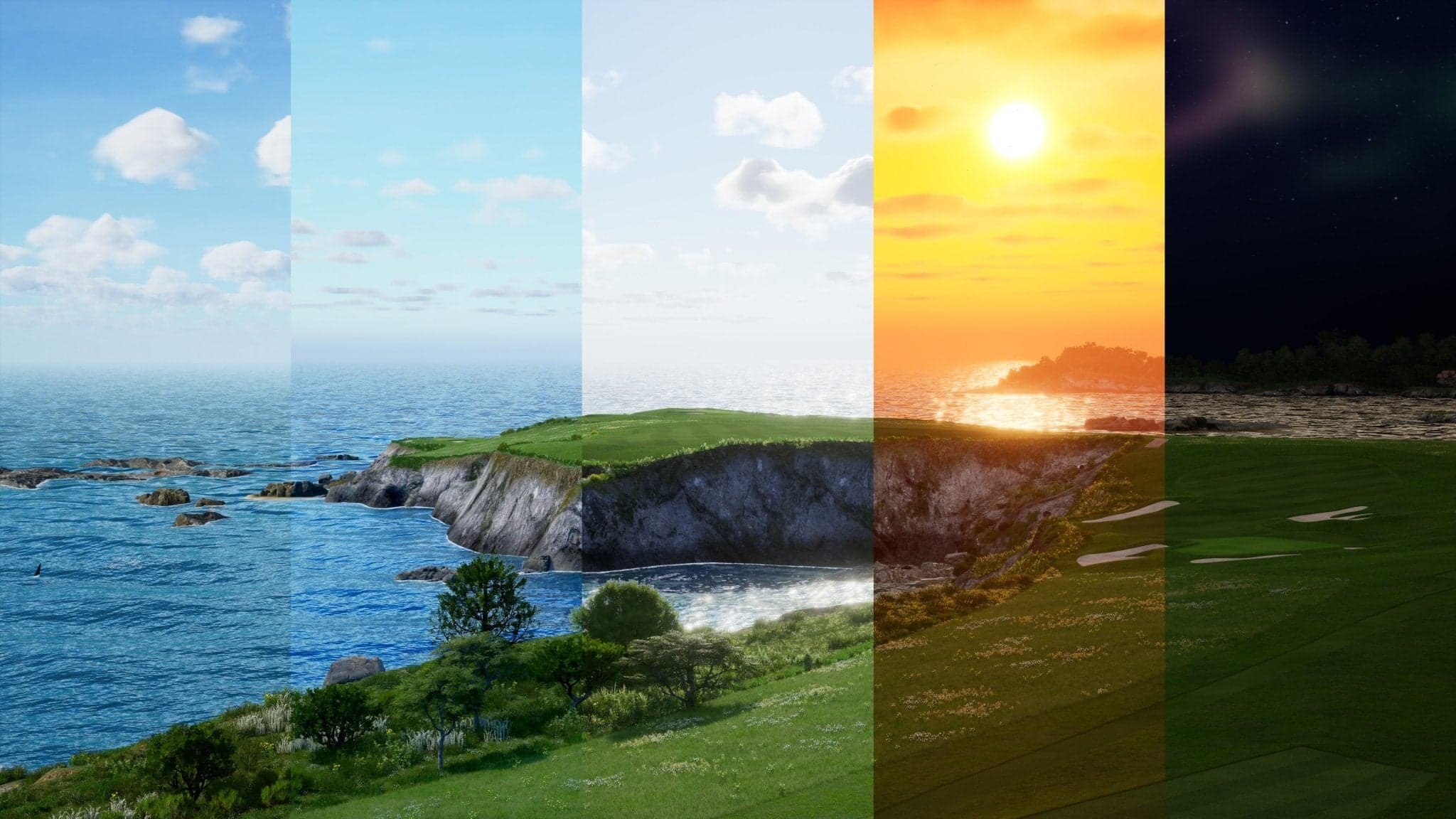
Fairways, greens, bunkers, water hazards and trees are modeled in detail, with moving clouds, birds and other ambient effects that bring each course to life.
Browse the course library by plan, course type and region. Every listed course is included with Diamond. Courses marked Professional are also included with Professional. The library is updated as courses are added, so plan totals can differ slightly from this list.
161 courses found



TRAINING
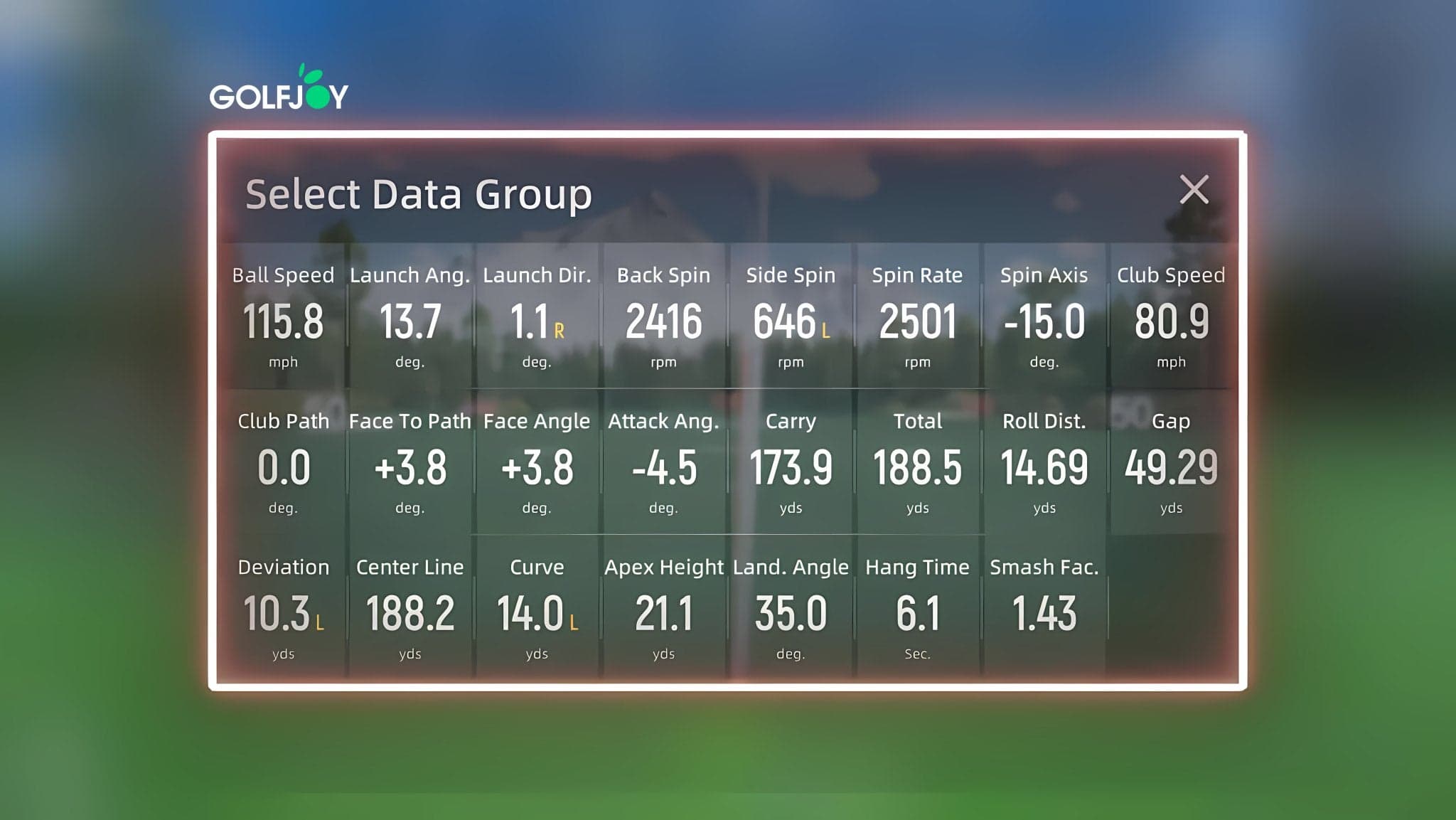
Review detailed ball, club and trajectory data captured by your compatible GOLFJOY launch monitor, shown in GOLFJOY software as you hit. The metrics available depend on the model you connect, so check each model's specifications when you compare launch monitors.
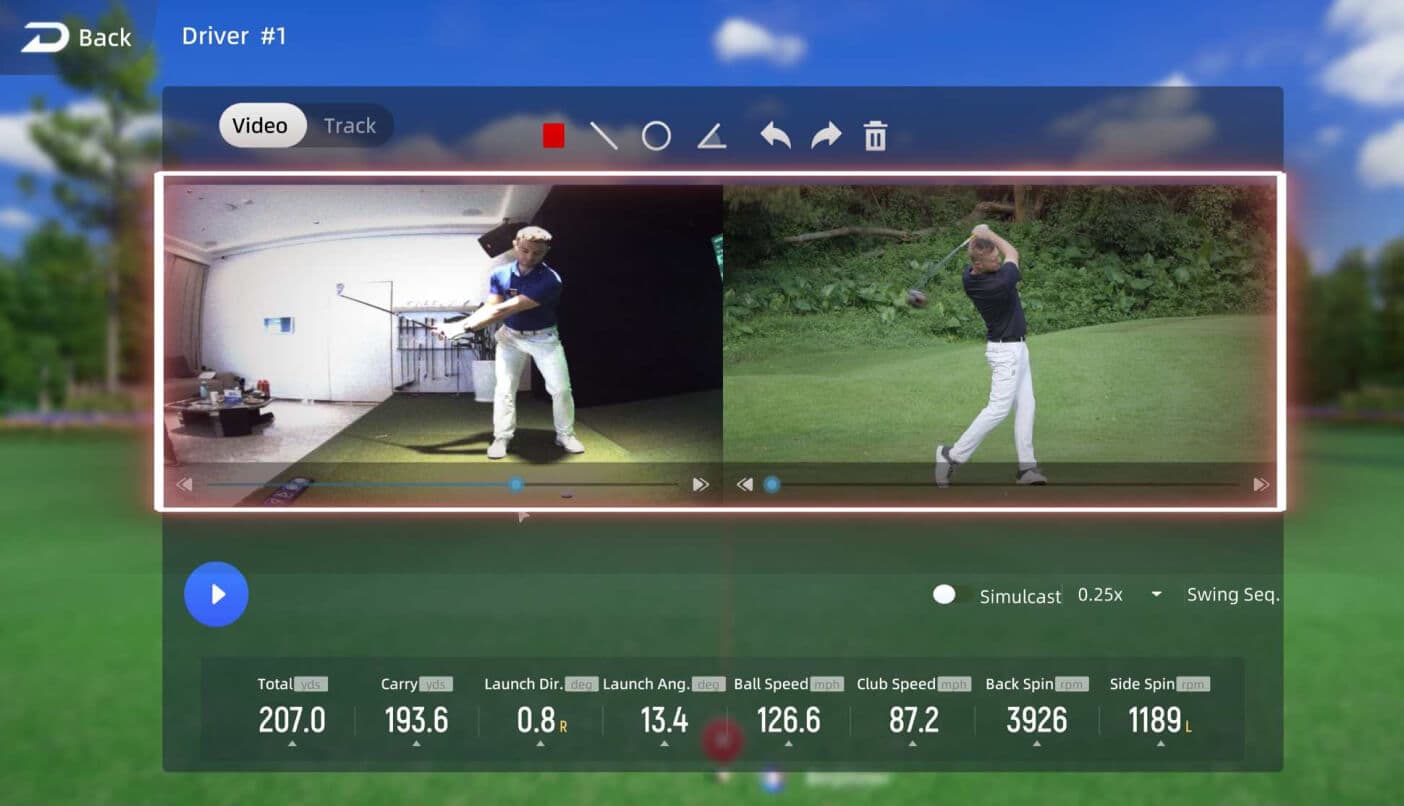

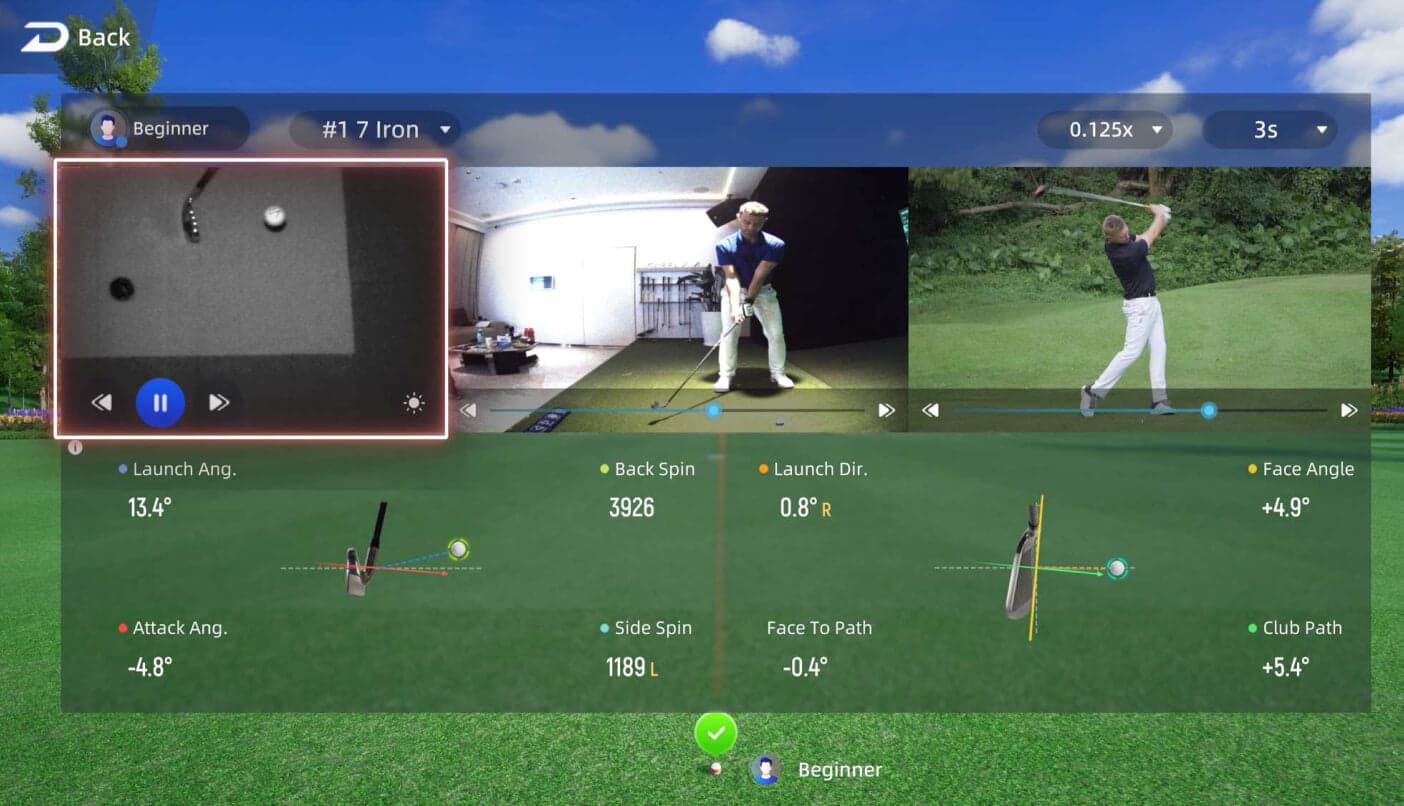
Work on accuracy, distance, chipping and putting with practice modes and challenges. Adjustable settings suit players of different ages and abilities, at home or in a commercial bay. Practice modes vary by software plan. Swing video replay depends on your launch monitor and camera setup, and full-body swing replay uses the optional GOLFJOY Smart Pole.
Select distances, holes and practice environments to focus on specific areas of your game, including chipping and putting from the spot you choose on a course. Chip and putt practice is included with Diamond.
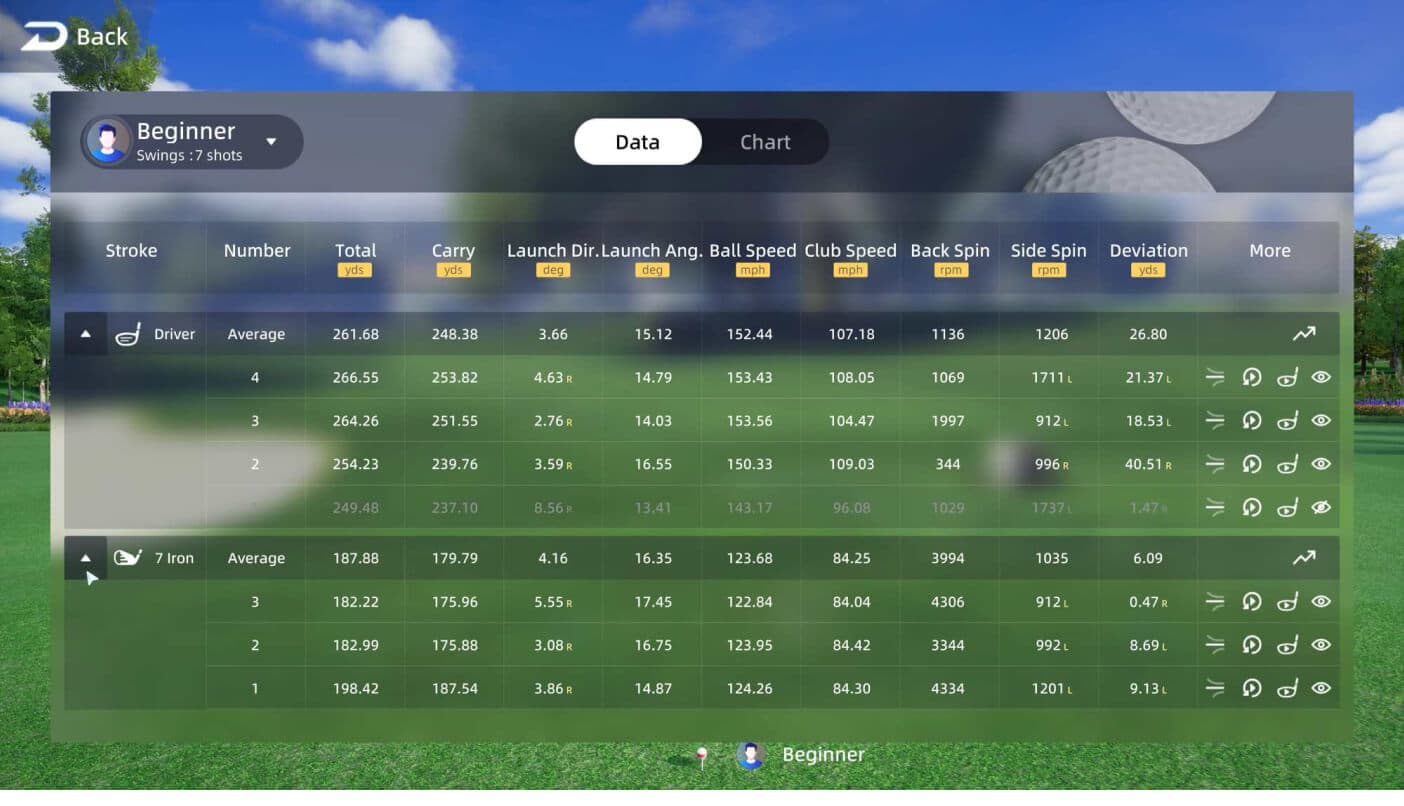
Review shot data by club, compare averages and use visual charts to spot patterns in your performance. Trajectory views and historical results make it easier to see where your game is improving and where more work may help.
Build focused practice sessions for driving, chipping and putting by selecting distances, course locations and training environments. Use dedicated modes to work on the parts of your game that need the most attention. Available training modes vary by software plan. Putting hardware, such as the optional GOLFJOY Smart Putting System, is sold separately.


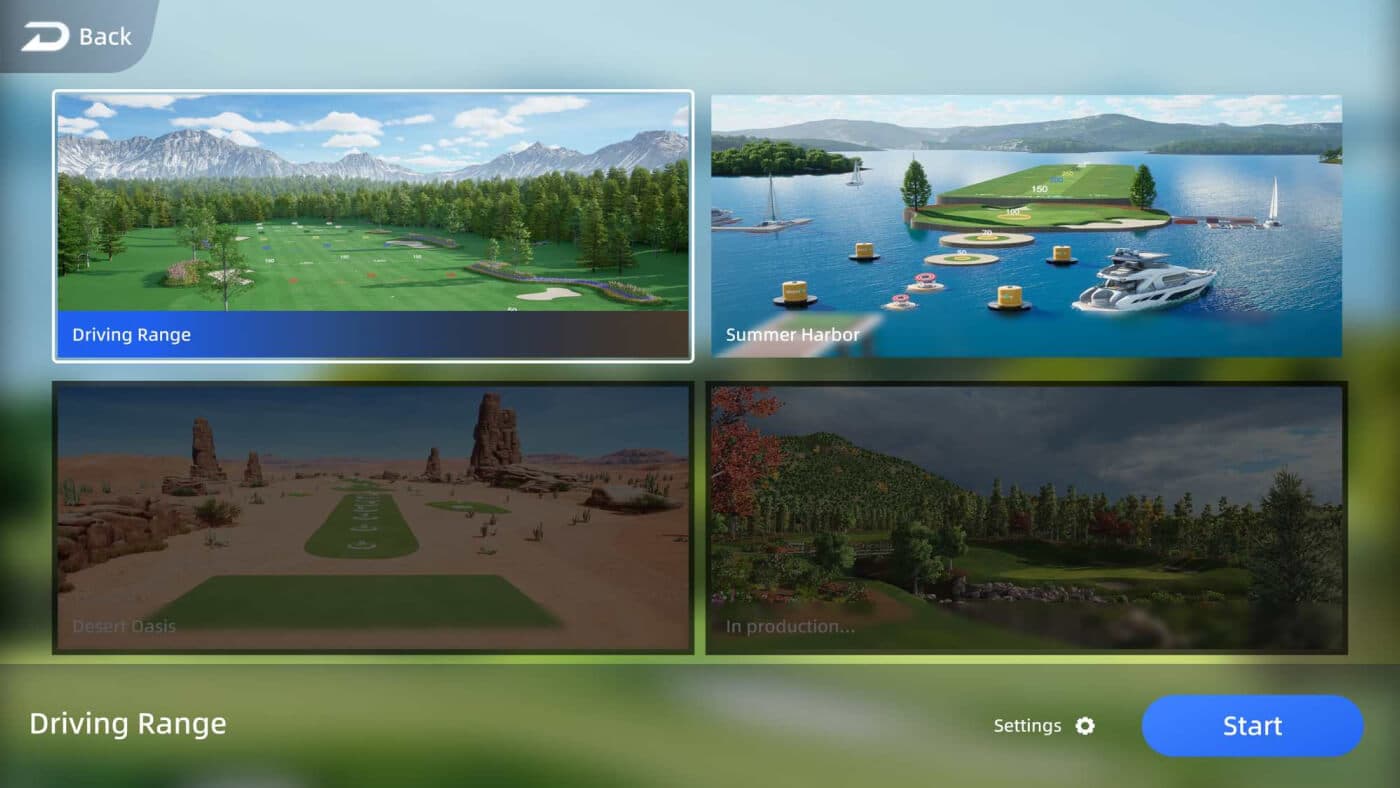
Choose from different driving range environments, including Summer Harbor and Desert Oasis (beta), to add variety to your practice sessions.
GAMES
Play solo or bring others into the experience with interactive golf games designed for different ages and skill levels. From skill-based challenges to casual entertainment, GOLFJOY adds more ways to enjoy your simulator beyond traditional course play. Game availability varies by software plan.

ONLINE PLAY
Invite friends or join other players remotely for online matches through GOLFJOY software. Multiplayer play makes it easier to stay connected and compete, even when everyone is in a different location. The optional GOLFJOY Smart Pole adds a microphone array for voice chat during online matches.
Check your Windows PC against these specifications before you download the software or choose a plan. Installation steps, the optional course library download and the install helper are in Support software downloads.
Compare Professional and Diamond, check your PC against the requirements above, or see GOLFJOY Software in person at our Irvine showroom.