




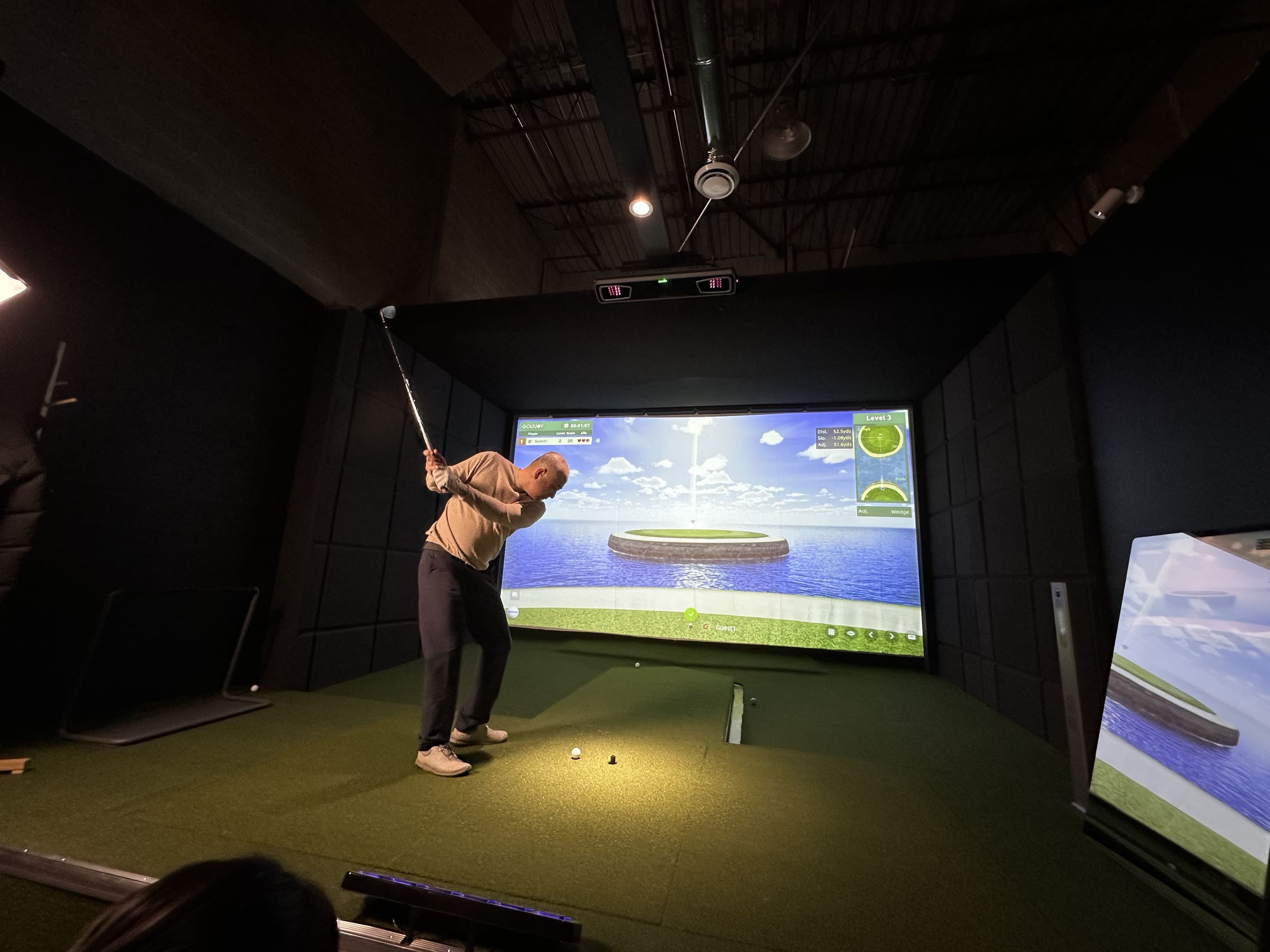
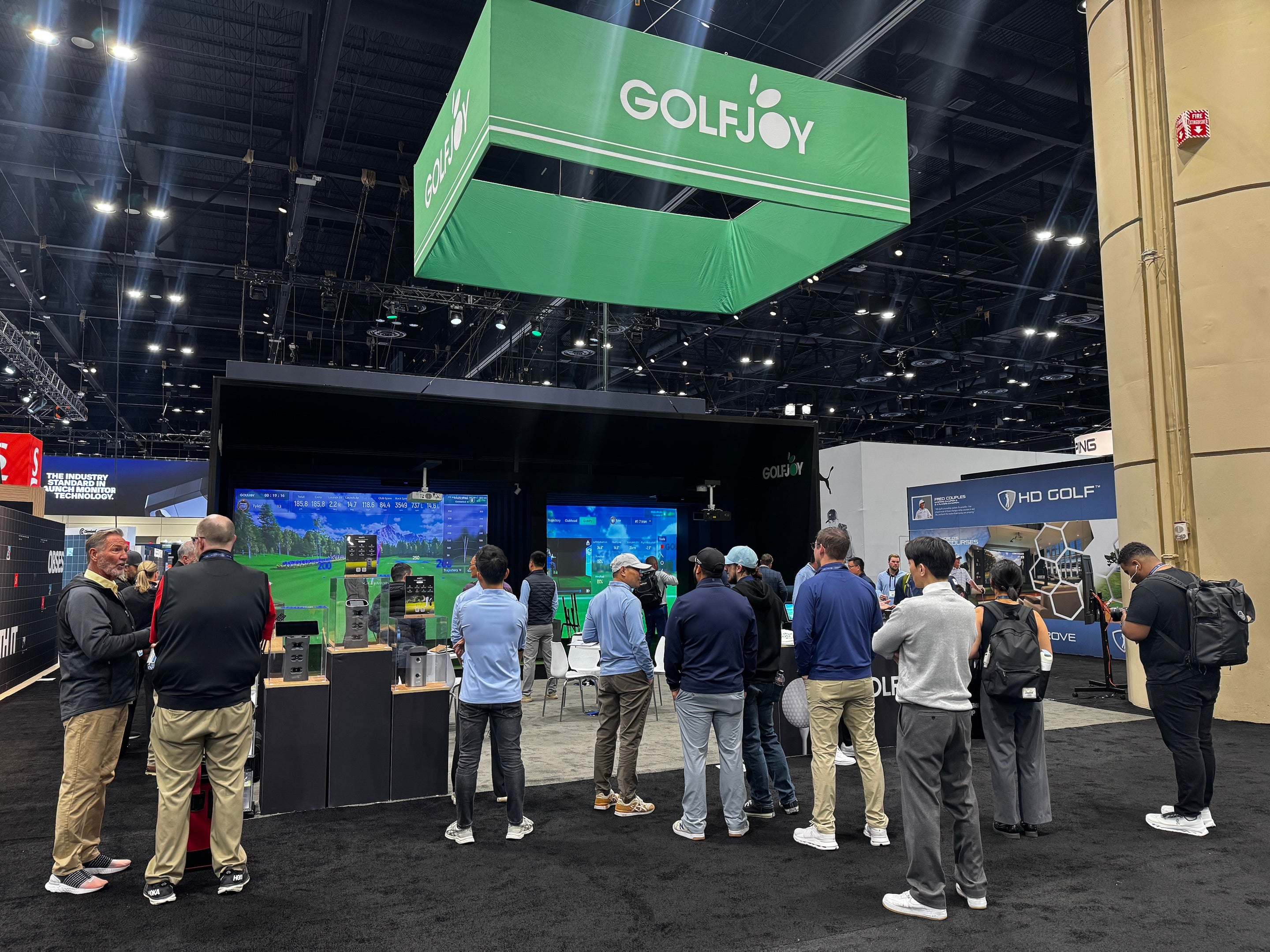
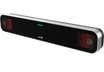
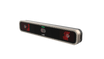
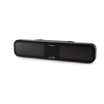
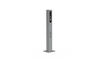
If you’re deciding between the GOLFJOY Spica 3 and the Foresight GC3, the better choice depends on how and where you plan to practice. Both are portable camera-based launch monitors designed for indoor and outdoor use. GC3 is part of Foresight Sports’ established ecosystem, while Spica 3 combines triple high-speed cameras, a built-in touchscreen, 27 listed ball, club, and trajectory metrics, and compatibility with multiple simulator platforms.
In this guide, we compare tracking technology, available data, software compatibility, portability, and practical use cases to help you choose the right golf launch monitor for home practice, simulator play, coaching, or range sessions.
Before diving into the details, here is a practical comparison based on currently published product information:
| Feature | GOLFJOY Spica 3 | Foresight GC3 |
|---|---|---|
| Tracking Technology | Triple high-speed camera system | Triscopic high-speed camera system |
| Published Data | 27 listed ball, club, and trajectory metrics | Ball data standard; club data availability depends on configuration and licensing |
| Display | Built-in touchscreen | Built-in display |
| Environment | Indoor, outdoor, and range use | Indoor and outdoor use |
| Simulator Compatibility | GOLFJOY Software, GSPro, E6 CONNECT, and Creative Golf | Foresight Sports FSX ecosystem; availability of other integrations varies |
| Best Fit | Golfers wanting broad software choice and detailed portable tracking | Golfers already invested in the Foresight Sports ecosystem |
Both units are compact floor-based launch monitors. The main differences are the published metric set, software ecosystem, club-data configuration, and the way each device fits into a complete simulator setup.
Accuracy is a central consideration when choosing a launch monitor, but published specifications alone do not guarantee identical results in every room or practice environment. Correct device placement, level setup, lighting, ball visibility, club markers, software settings, and unit calibration can all influence the quality of the readings.
The GC3 uses a triscopic high-speed camera system to capture ball launch conditions at impact. Depending on the selected configuration, users can access ball data and supported club measurements within the Foresight Sports ecosystem.
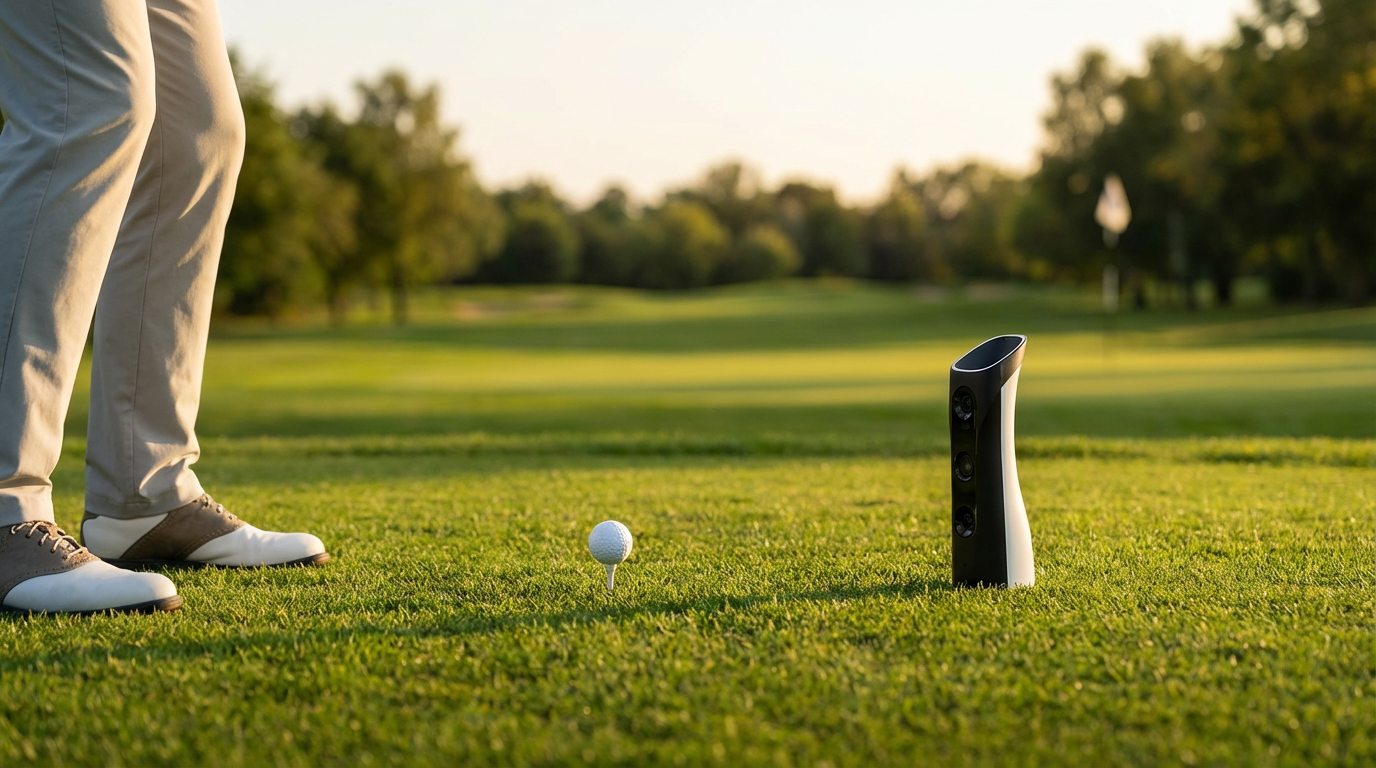
The Spica 3 uses three high-speed cameras and advanced processing to capture ball and club movement around impact. Its published feature set includes 27 ball, club, and trajectory metrics, a built-in touchscreen, a 9-axis stability system, and support for standard golf balls.
For either device, the most useful comparison is not a single accuracy claim. It is whether the system consistently captures the measurements you need in your actual practice environment.
Both devices capture the core launch conditions golfers use for practice and simulator play, but their published data packages and upgrade structures differ.
GC3 provides key ball-flight measurements such as ball speed, launch angles, spin, and calculated carry information. Club-data access depends on the device configuration, software package, and applicable add-ons.
Spica 3 lists 27 metrics across ball, club, and shot trajectory. Depending on the selected software view, golfers can review measurements such as ball speed, launch angle, spin, club speed, attack angle, club path, carry distance, and shot direction. Detailed club tracking requires the applicable club-marker setup.
The practical question is not simply which device shows more numbers. Golfers should consider which measurements they will actually use for distance control, face-and-path analysis, shot-shape work, coaching, or simulator play.
To compare Spica 3 with GOLFJOY’s other portable and overhead options, visit the GOLFJOY launch monitor collection.
Both Spica 3 and GC3 are intended for indoor and outdoor use. The best choice depends on how frequently the unit will move, the amount of available hitting space, and the software environment you prefer.
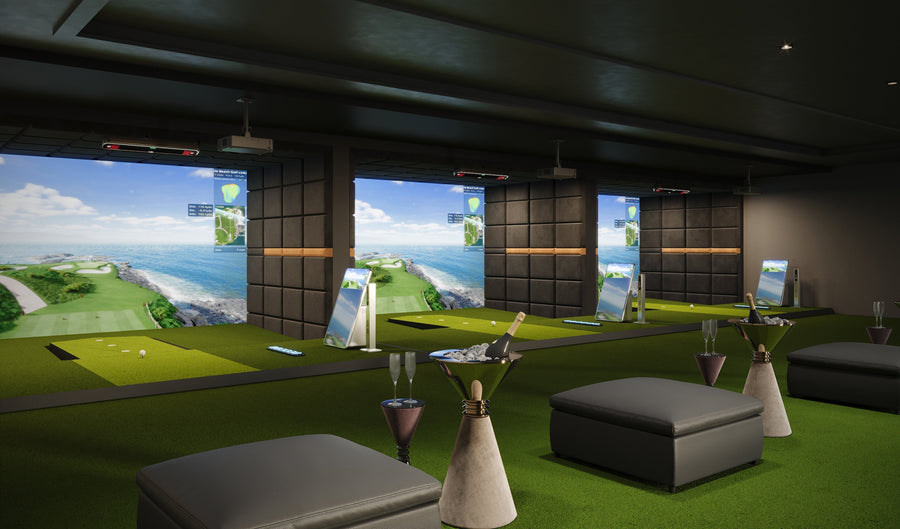
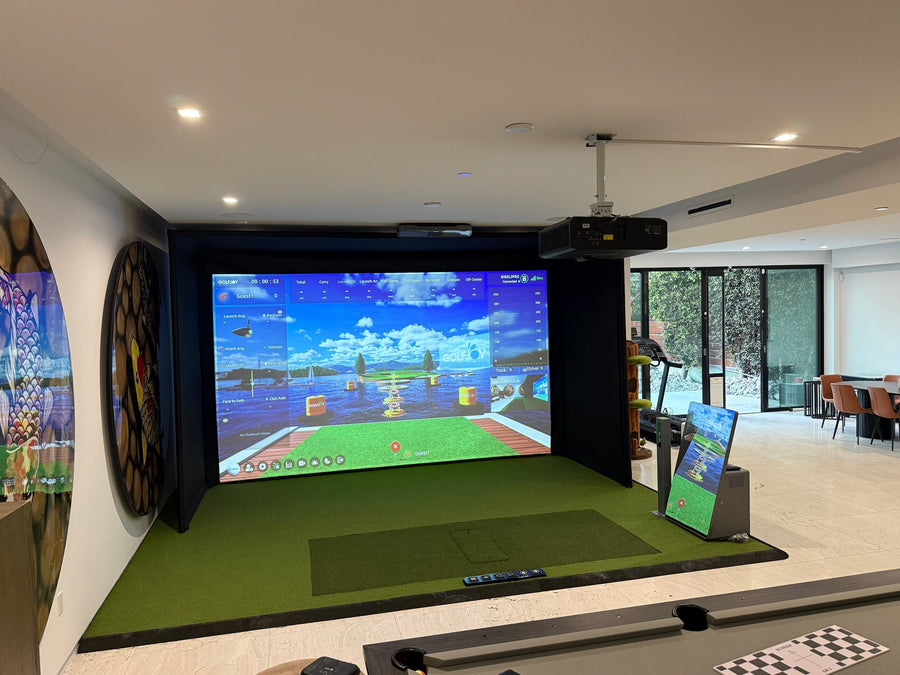
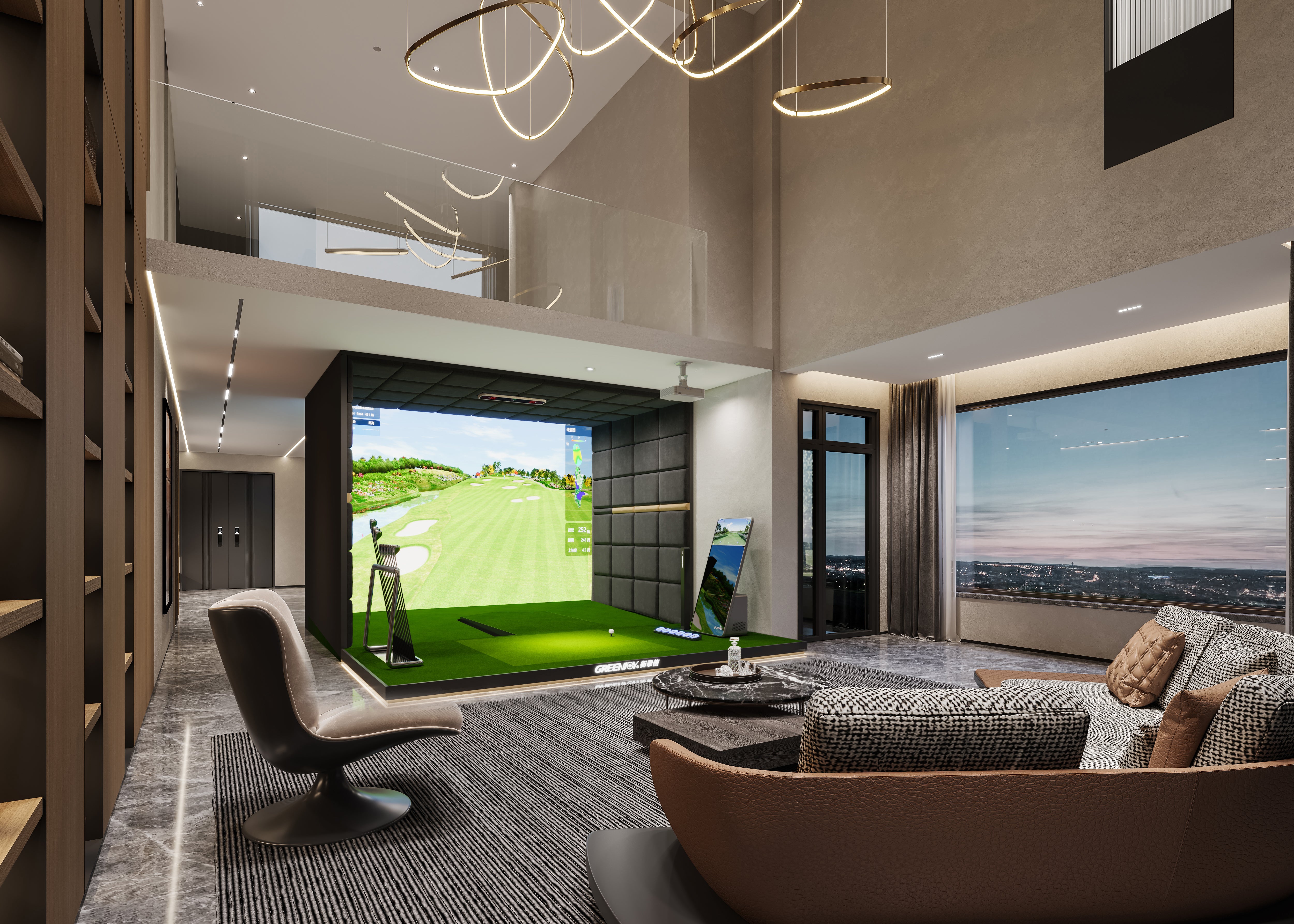
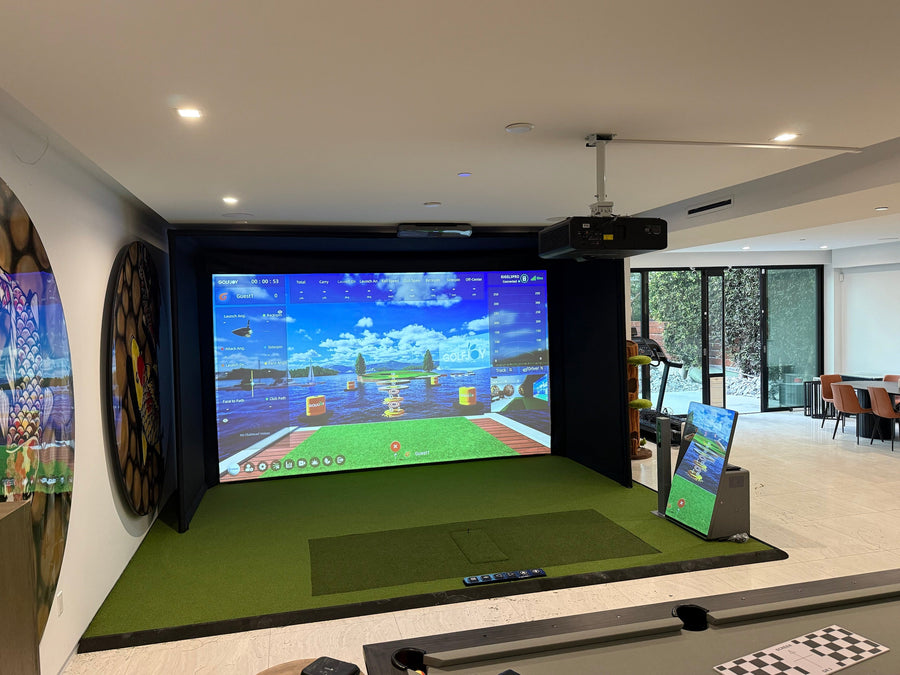
For a permanent indoor room, software, screen quality, enclosure design, and available ball-to-screen distance can matter just as much as the launch monitor itself. Golfers planning a full room can also review GOLFJOY’s home and indoor golf simulator solutions.
Simulator experience depends heavily on software compatibility, computer requirements, licensing, course access, and how easily the launch monitor connects to the rest of the room.
GC3 is designed for the Foresight Sports FSX software ecosystem. Buyers should compare the software and course package included with the specific GC3 configuration they are considering.
Spica 3 supports GOLFJOY Software and is also listed as compatible with GSPro, E6 CONNECT, and Creative Golf. This gives users several options for virtual course play, structured practice, multiplayer modes, and performance analysis.
Before purchasing either system, compare the total software cost, supported operating system, included courses, renewal requirements, and whether the software features you need are included or sold separately.
Both devices are portable, but a reliable setup still requires consistent placement beside the ball, a level surface, enough room for the player and club, and the correct hitting orientation.
Golfers who want to compare portability, camera count, metric availability, and intended use across models can use the launch monitor comparison page.
Pricing, software bundles, club-data access, promotions, and included course packages can change over time. For that reason, buyers should compare the current total ownership cost rather than relying only on the launch monitor’s base price.
The better value depends on which measurements and software environments you will actually use. A lower initial price is not automatically better if required features must be added later, while a higher-priced bundle may not be worthwhile if you do not need everything it includes.
For many golfers building a residential golf simulator, the final decision will depend on room size, software preference, required club data, and the total package cost.
| Decision Factor | Spica 3 | GC3 |
|---|---|---|
| Published Camera Count | Three high-speed cameras | Three high-speed cameras |
| Published Metric Structure | 27 listed ball, club, and trajectory metrics | Ball and club data vary by configuration |
| Third-Party Simulator Choice | Broad listed compatibility | Primarily centered on FSX software |
| Indoor and Outdoor Use | Yes | Yes |
| Best Buying Approach | Confirm software, club-marker needs, and current package | Confirm club-data license, software bundle, and current package |
Spica 3 can be a practical alternative for golfers who want a portable triple-camera launch monitor, a built-in touchscreen, detailed published metrics, and access to multiple simulator platforms.
GC3 may be a better fit for buyers who already use Foresight Sports products or prefer the FSX ecosystem. Spica 3 may be a better fit for users who prioritize broader listed software compatibility and GOLFJOY’s integrated hardware-and-software options.
Neither device is automatically the better choice for every golfer. Compare the exact configuration, included software, club-data access, room requirements, and support options before purchasing.
Home and off-course golf continue to influence demand for compact launch monitors and complete simulator systems. For buyers, this makes software compatibility, room planning, and long-term upgrade flexibility increasingly important.
As more golfers practice away from traditional courses, launch monitors are being used not only for distance feedback but also for structured training, virtual course play, club-delivery analysis, and entertainment.
This trend is pushing demand for:
Spica 3 lists 27 metrics across ball data, club delivery, and shot trajectory. The exact information displayed can vary by software view, and detailed club tracking requires the applicable club-marker setup.
Yes. Spica 3 is designed for indoor, outdoor, and range use. As with any camera-based launch monitor, correct placement, a stable surface, and clear visibility of the ball and club are important.
Yes. GC3 is built around the Foresight Sports FSX ecosystem. Spica 3 supports GOLFJOY Software and is also listed as compatible with GSPro, E6 CONNECT, and Creative Golf.
Spica 3 is designed to work with standard golf balls. Detailed club-data capture requires the applicable club markers rather than a special ball.
Both can work in a home simulator. Spica 3 may suit golfers who want broad software compatibility and 27 listed metrics, while GC3 may suit golfers who prefer the Foresight Sports ecosystem. Room dimensions, software costs, required club data, and available support should guide the final decision.
Compare the included ball and club data, software license, course package, computer requirements, indoor space, outdoor-use needs, warranty, support, and the total cost of the complete setup.
Visit the GOLFJOY launch monitor collection to compare portable models such as Spica 3 and GDS Pro with overhead options for permanent simulator rooms.
Review the full Spica 3 product details, compare the complete GOLFJOY launch monitor range, or explore home golf simulator solutions for a complete indoor setup.
Submit your information and our team will follow up with you.